1. Scroll down to the "ADDRESS AND MAP INFORMATION" box at the bottom of the page and click on it
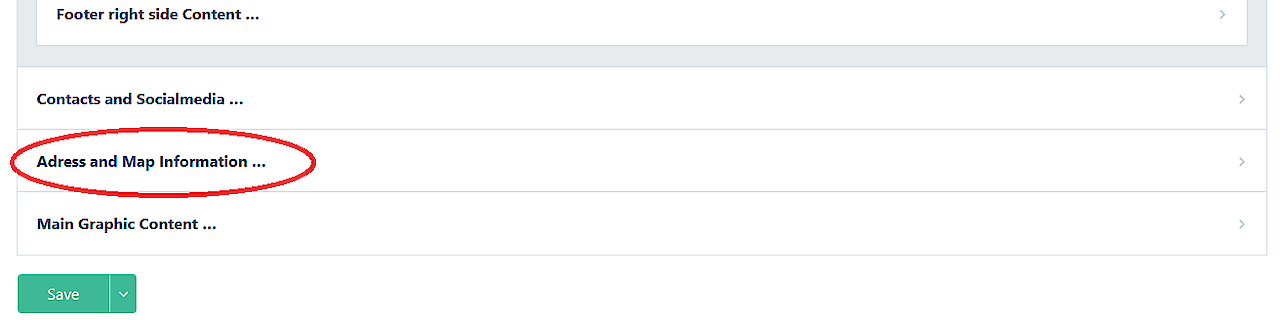
Screenshot from
3. In the "Country" field, enter Estonia (when you start typing, the system will automatically offer you Estonia)
4. In the Address line, add the address of your institution - you can only add one address. If the address is entered correctly, the map application will also display your location on the map.
5. Once you have entered your information, click on the "Publish page" button at the top or bottom of the page.
NOTE!